🎨 Custom Themes
Browse the collection of themes for R6 No Recoil. Click any theme to view it full size, or copy the RGB values into your config.
Back to home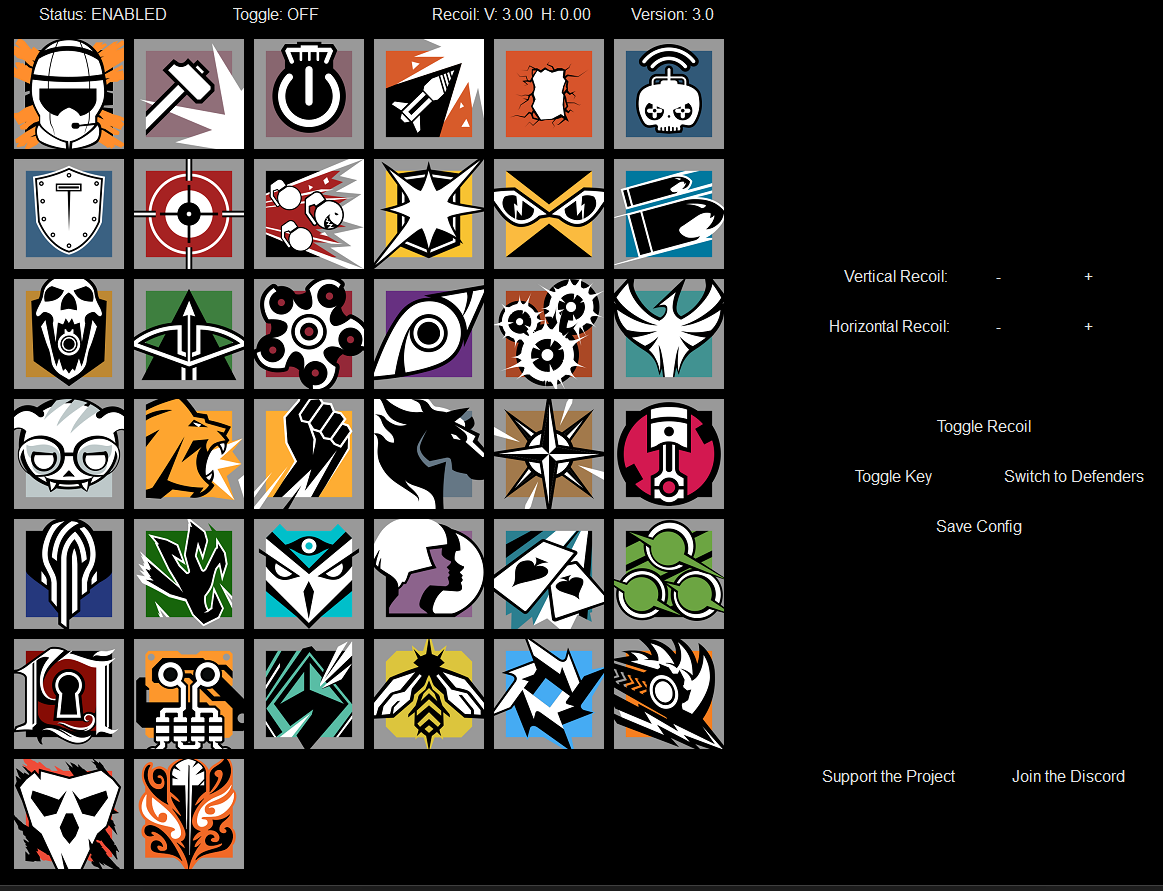
All Black
BackgroundColour = RGB(0, 0, 0)
TextColour = RGB(230, 230, 230)
ButtonColour = RGB(0, 0, 0)
LineColour = RGB(0, 0, 0)
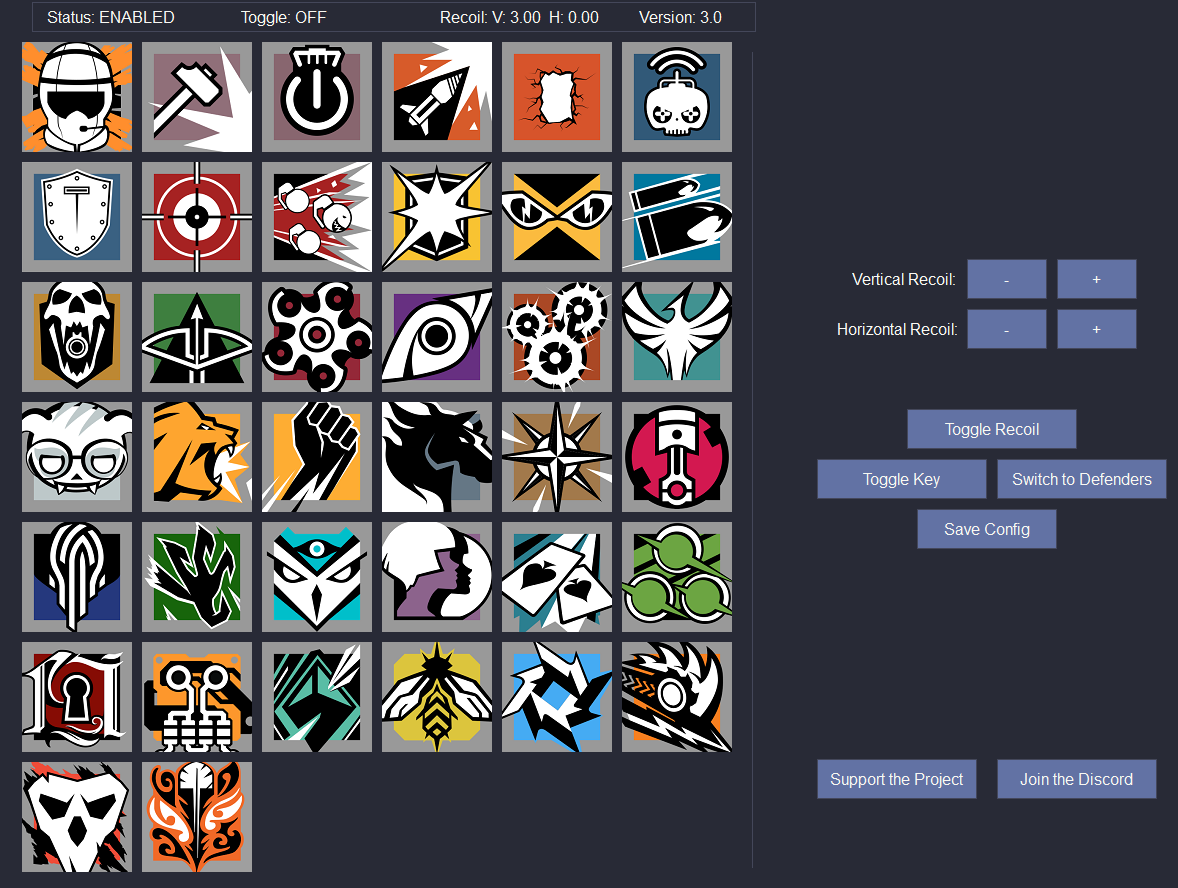
Dracula
BackgroundColour = RGB(40, 42, 54)
TextColour = RGB(248, 248, 242)
ButtonColour = RGB(98, 114, 164)
LineColour = RGB(68, 71, 90)
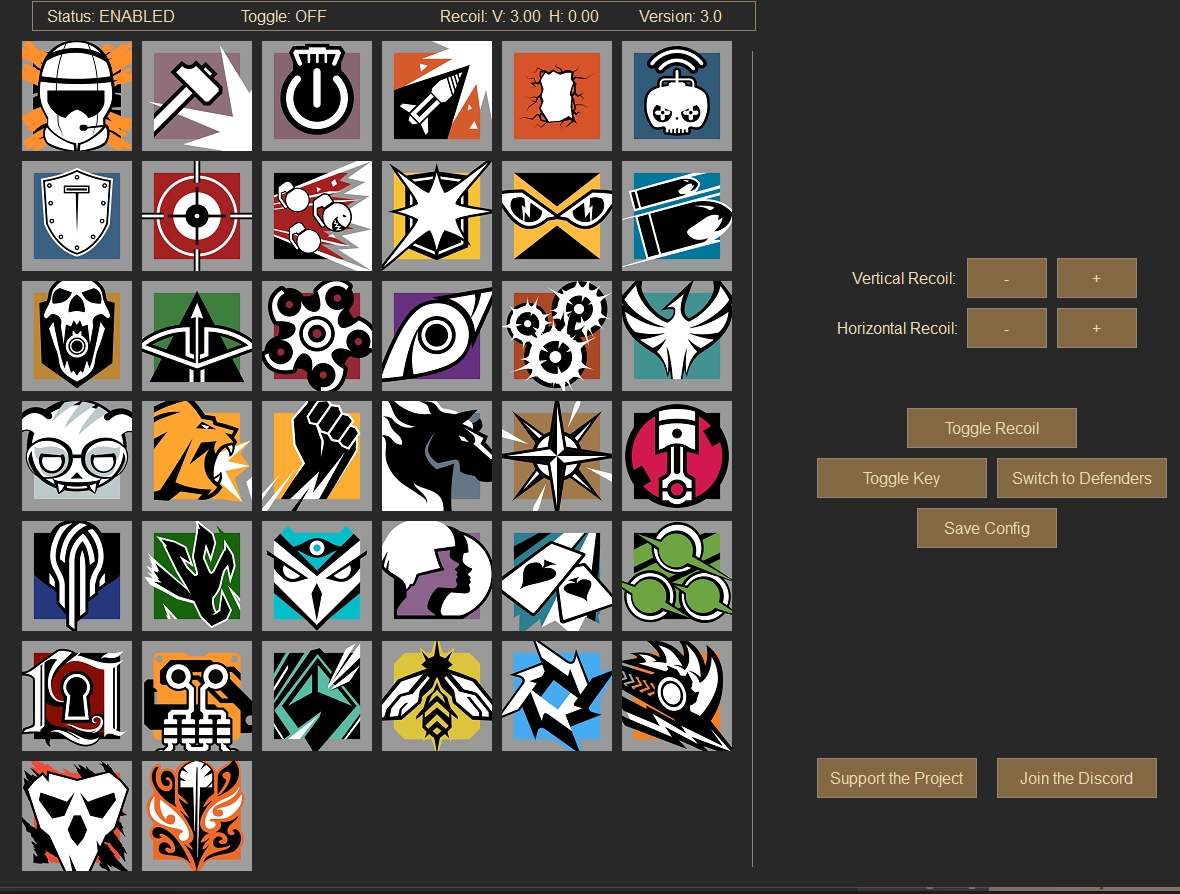
Gruvbox
BackgroundColour = RGB(40, 40, 40)
TextColour = RGB(235, 219, 178)
ButtonColour = RGB(131, 104, 66)
LineColour = RGB(146, 131, 116)
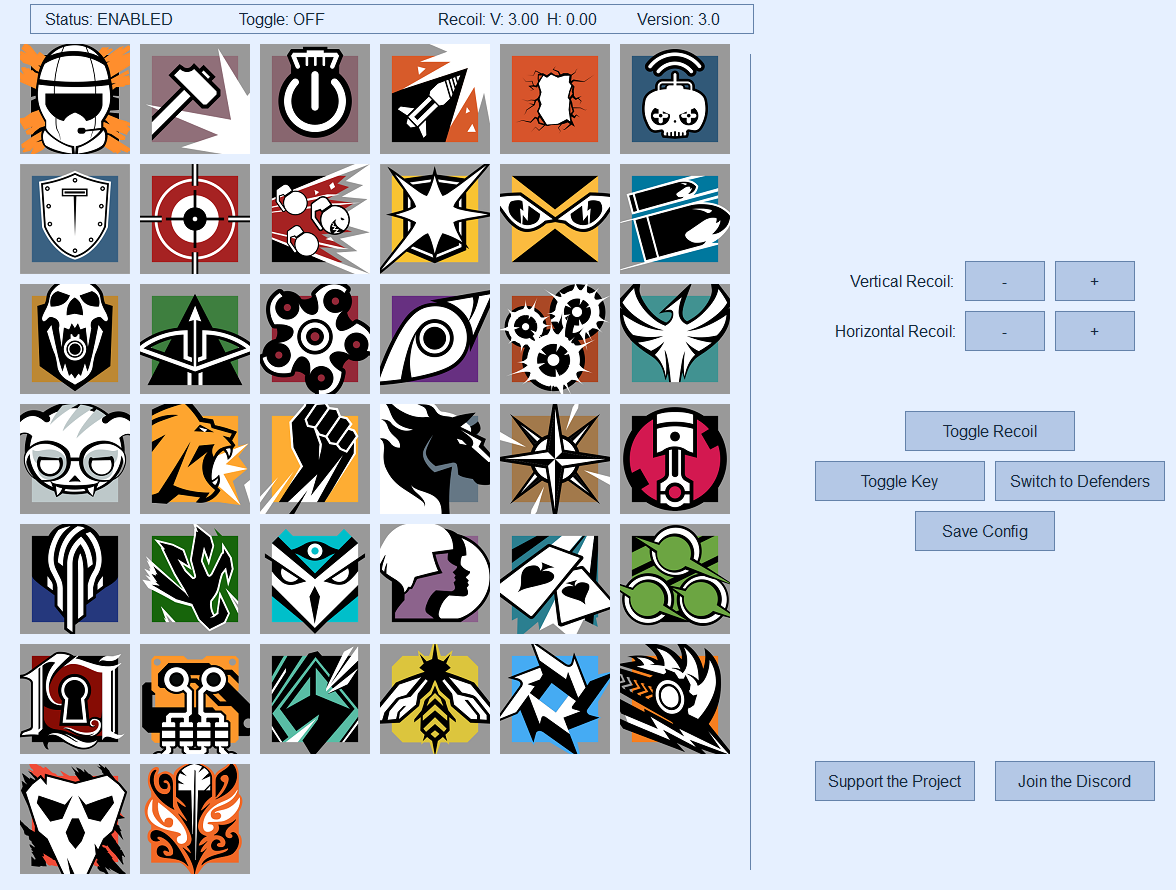
Frost
BackgroundColour = RGB(230, 240, 255)
TextColour = RGB(20, 40, 60)
ButtonColour = RGB(180, 200, 230)
LineColour = RGB(100, 130, 170)
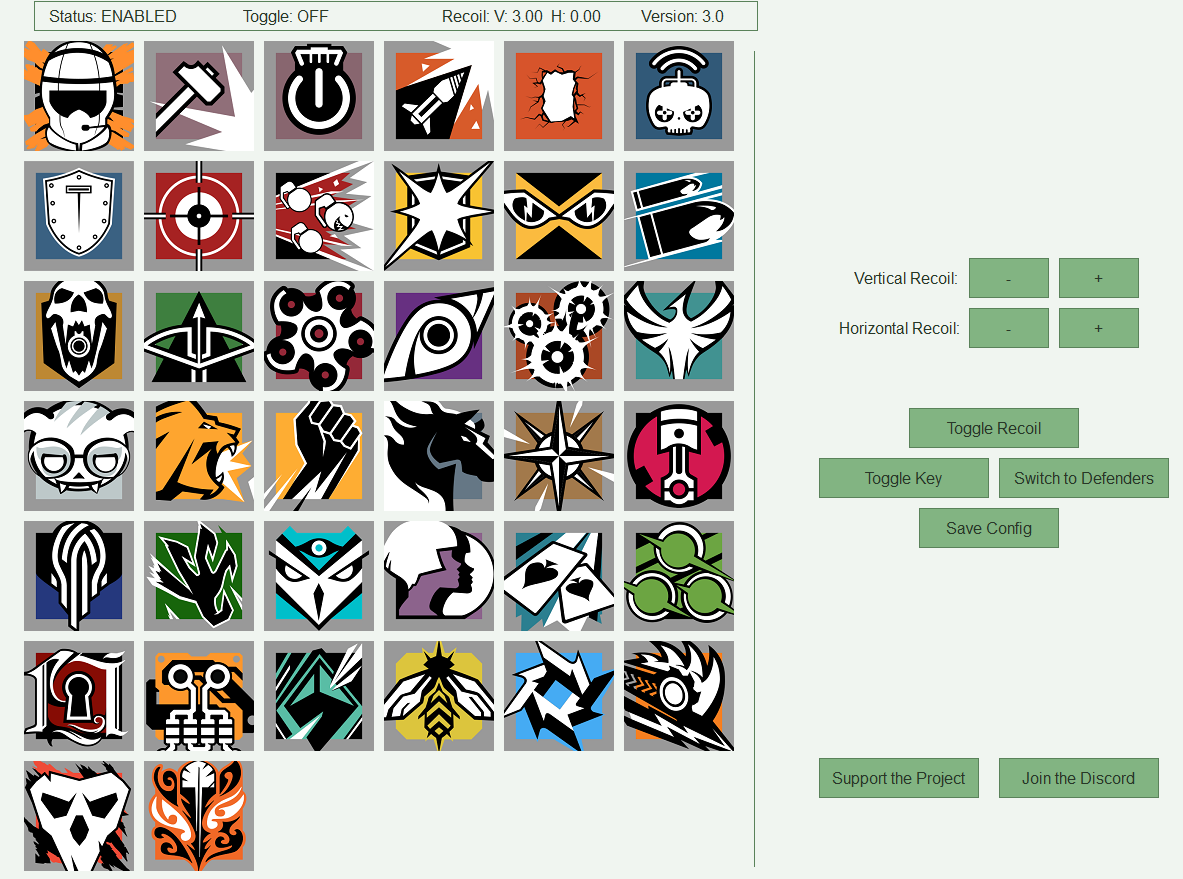
Minimal Green
BackgroundColour = RGB(240, 245, 240)
TextColour = RGB(40, 55, 40)
ButtonColour = RGB(130, 180, 130)
LineColour = RGB(90, 130, 90)
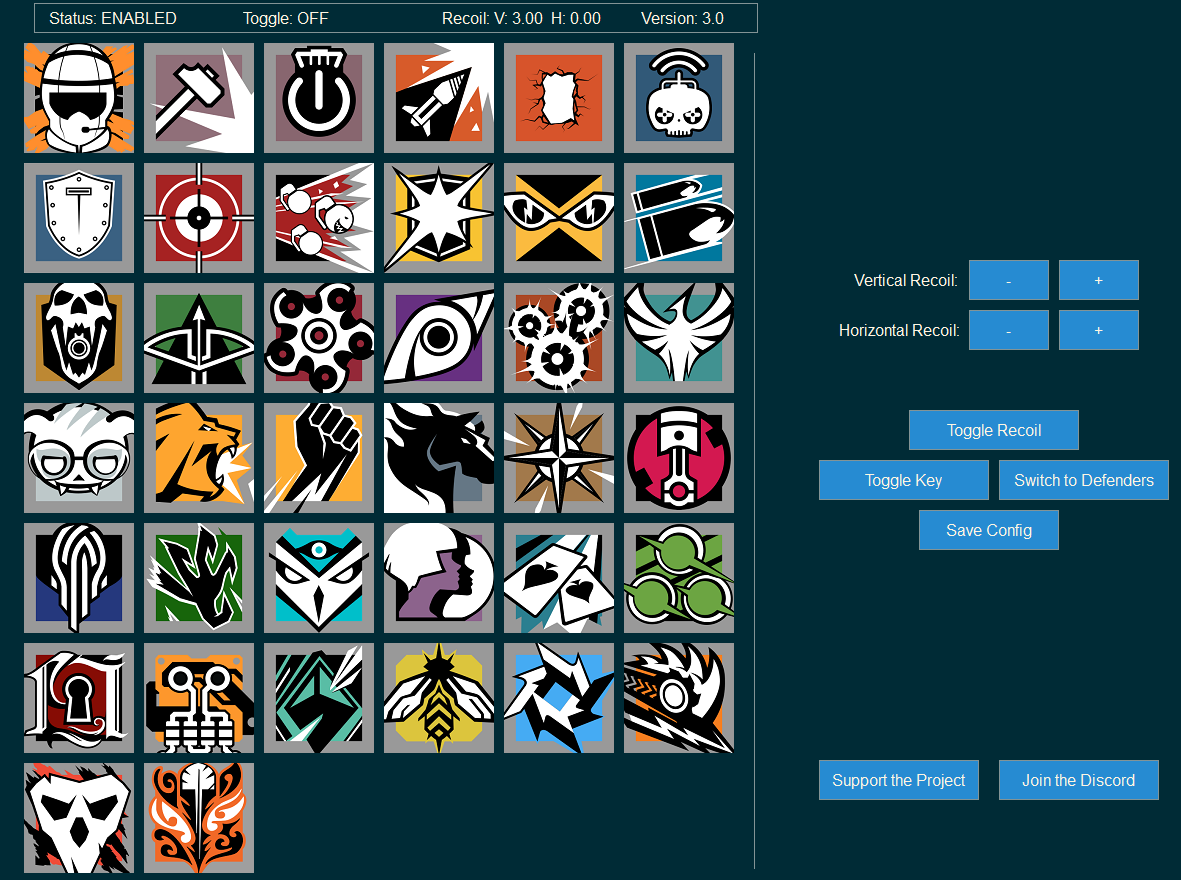
Solarised
BackgroundColour = RGB(0, 43, 54)
TextColour = RGB(253, 246, 227)
ButtonColour = RGB(38, 139, 210)
LineColour = RGB(131, 148, 150)
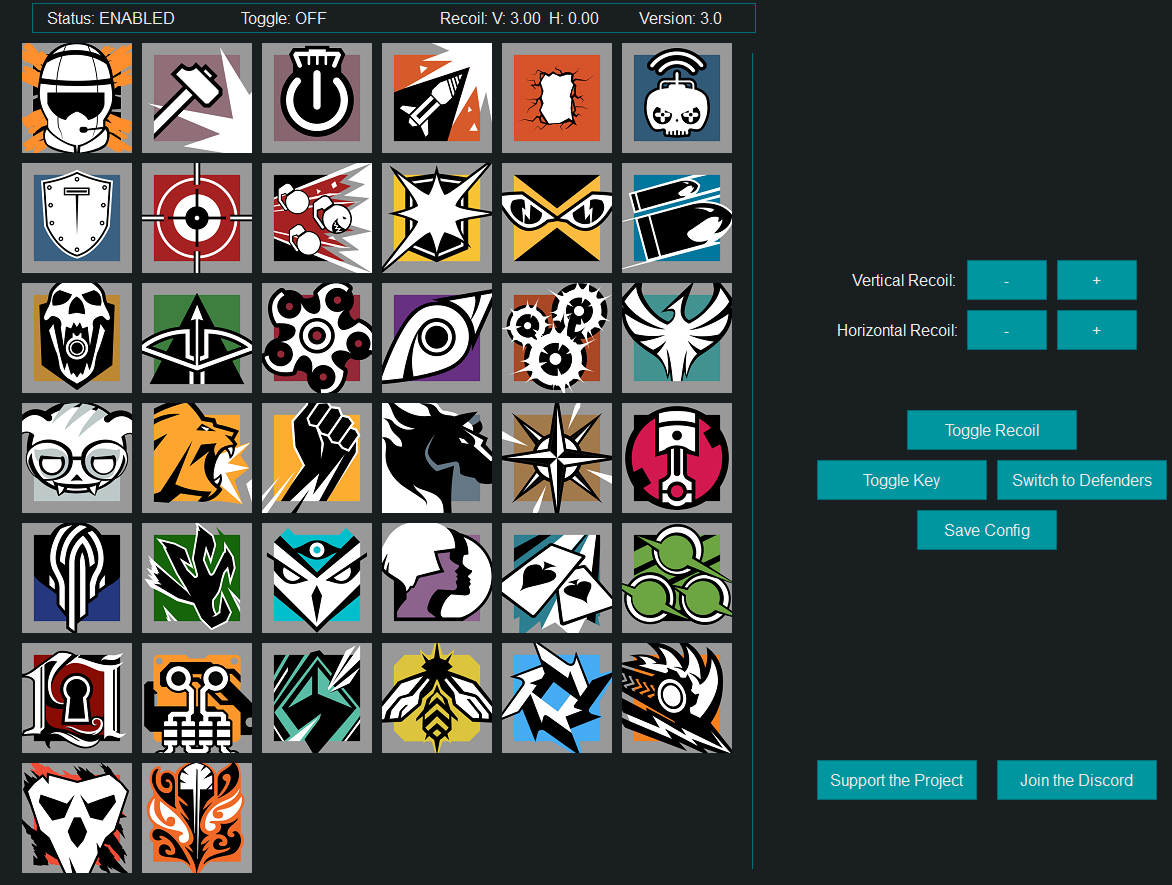
Teal
BackgroundColour = RGB(25, 30, 32)
TextColour = RGB(235, 235, 235)
ButtonColour = RGB(0, 150, 160)
LineColour = RGB(0, 110, 120)
💡 How to Apply Themes
Copy the RGB values from any theme and paste them into your
Config.toml file under the [Theme] section.
Restart the application to see your new theme in action!